How to setup IPTV on IPTV Application
Watch IPTV from your Internet service provider or free live TV channels from any other source on the web the “IPTV” Application (This is the name of the app and it is not referring to IPTV industry). If you are utilizing VLC media player to watch TV on your PC then this app is highly recommended to you.
You can download this application from Google Play Store via a link below:
https://play.google.com/store/apps/details?id=ru.iptvremote.android.iptv&hl=en_US
How to add IPTV channels to “IPTV” Application
Step 1: You can start by downloading the app from the Google Play Store.
Step 2: Now click on the “EDIT“ on the bottom of your screen.
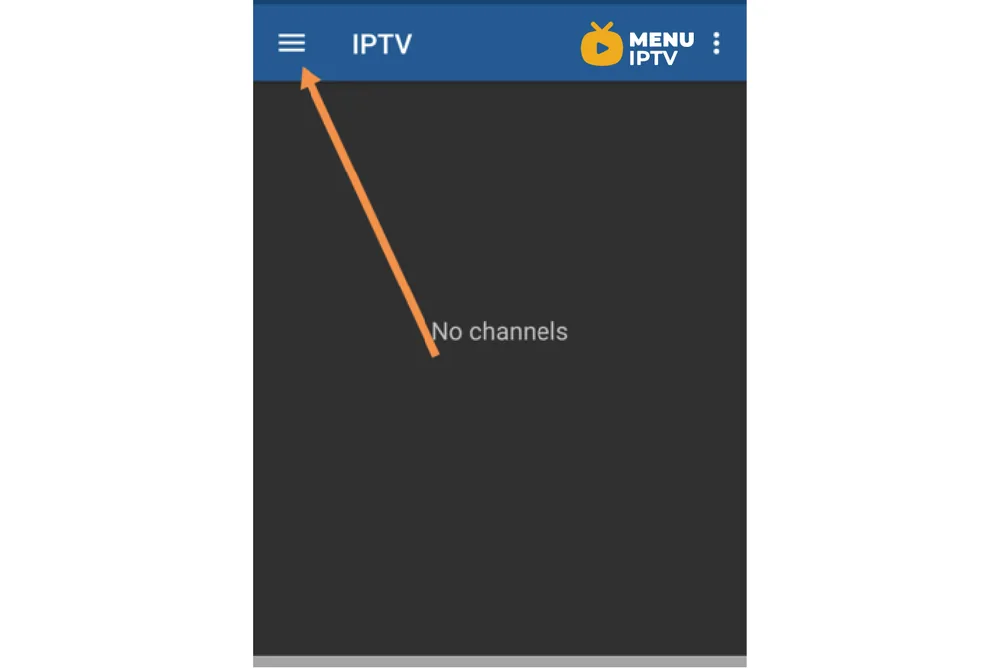
Step 3: Now click on “+“.
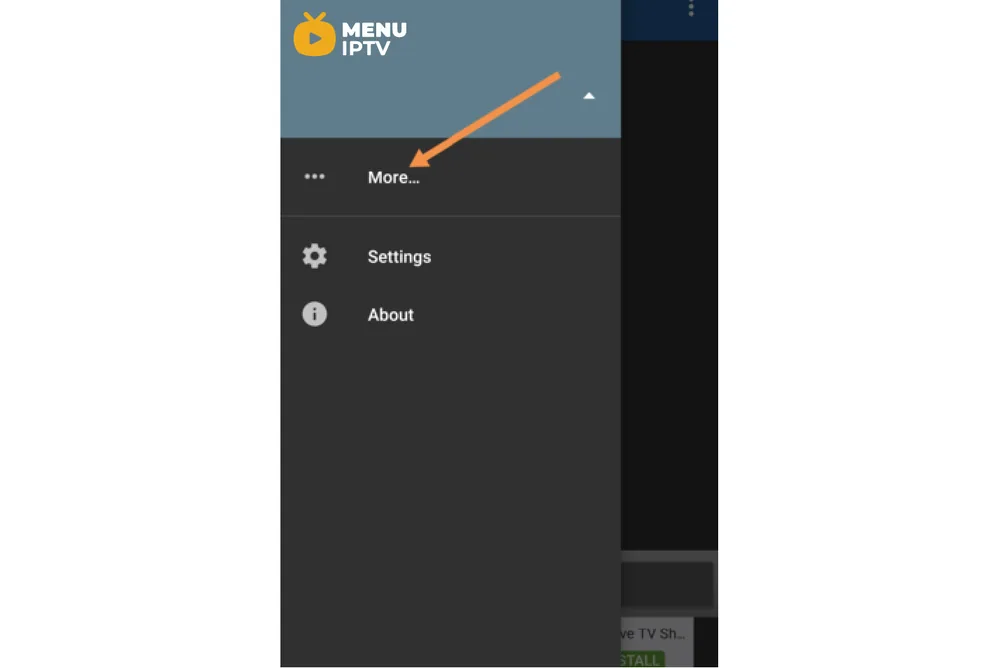
Step 4: Now click on “Add URL“. From here you can upload your M3U file or insert it via a URL.
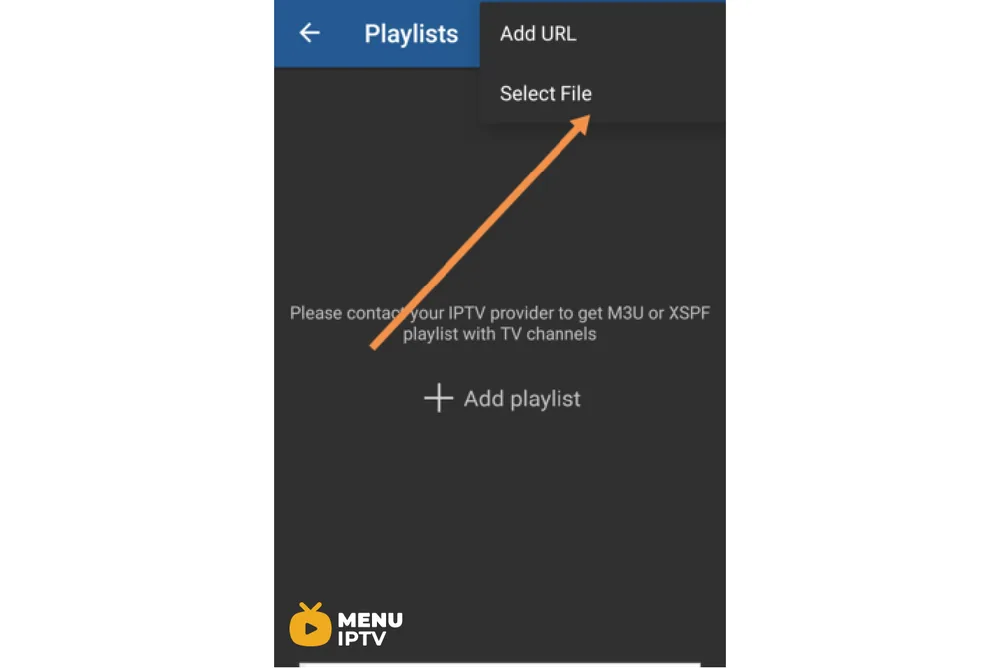
Step 5: After this, the channel list will be displayed on your screen and before playing the channels you will be asked to download a supported player such as IPTV core player or MX player.
Note: we highly recommend that you download the VLC media player from the google play store and choose it as your streaming player to get advanced options.
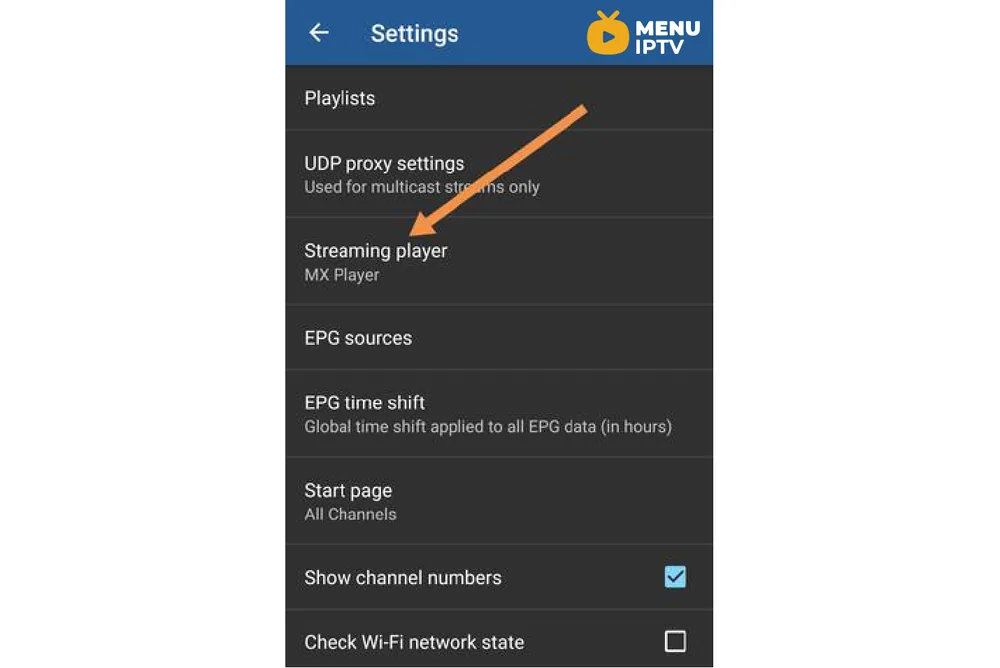
Step 6: Now select the VLC player for the better viewing experience.
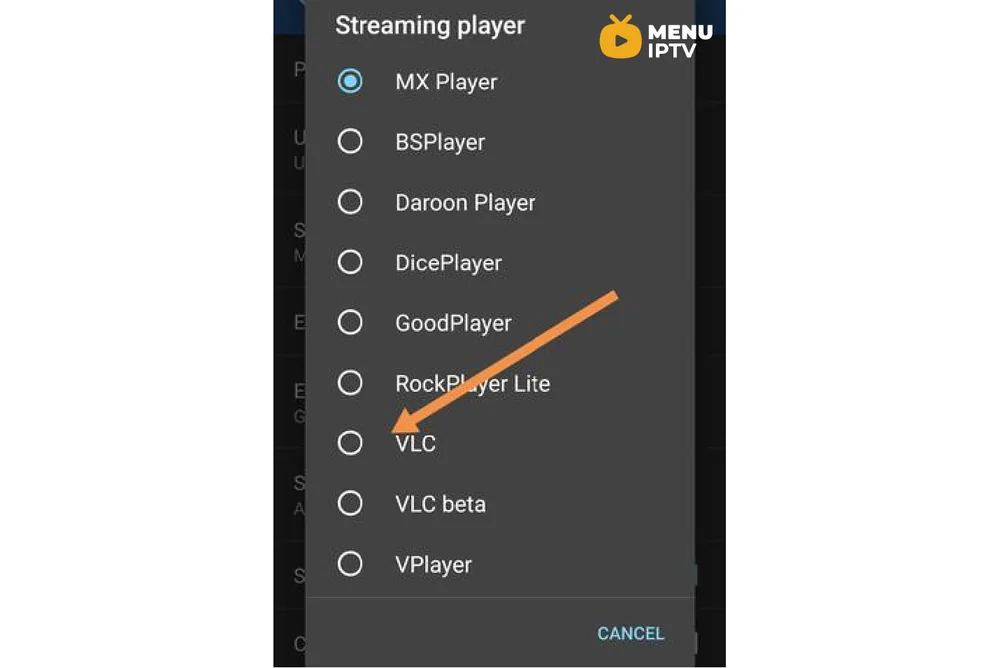
You will be asked to download the app and after the download process is finished, you can start streaming your IPTV channels.
Let us know in the comments section below about your opinion and feedback concerning this article and help us improve the quality of our articles. Thank you in advance.

Features of “IPTV” Application
- M3U and XSPF playlists support
- Playlists history
- Playing multicast streams with UDP proxy (proxy need to be installed in your LAN)
- Grid, list or tile view of TV channels
- EPG support in XMLTV and JTV formatsAdditional features are available in Pro version:
- Ad-free
- Ability to auto-reconnect to the streaming server when the connection is closed unexpectedly (HTTP streams only).
- Start the app on device boot option, useful for set-top boxes.
- Auto-play last channel option
- Extended playlists history
Need an IPTV subscription for this device? Get the free 24h IPTV test from Menuiptv, then pick a plan from 38 € for 6 months.