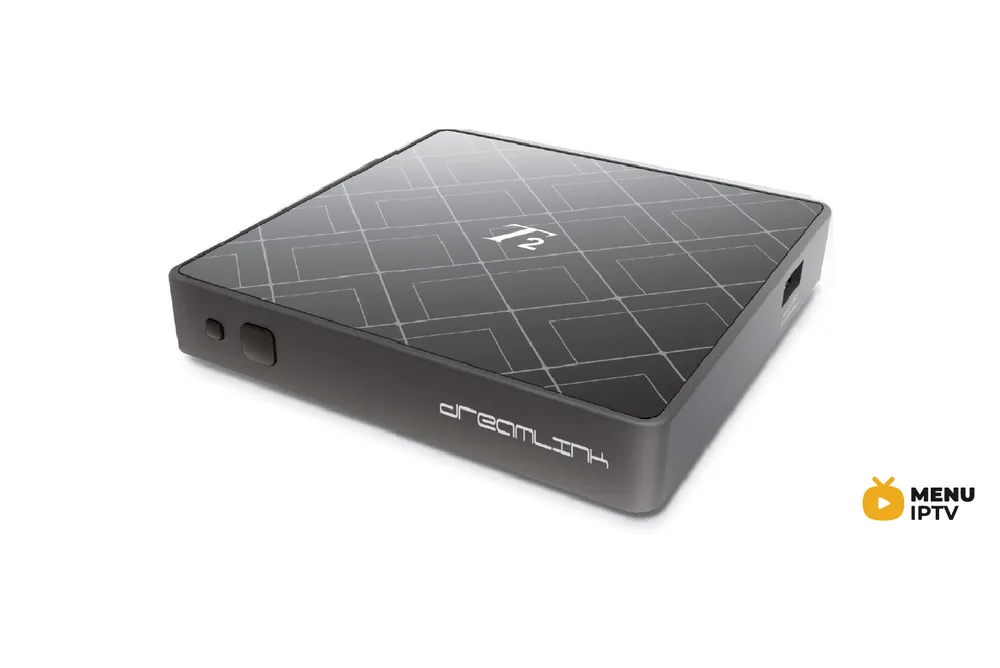
2 steps to change Portal address on MAG
Sometimes you may require changing your portal address to another IPTV provider and the steps below will guide you through the entire process of changing your portal address on your MAG box.
How to Change the Portal Address
Turn off the box and remove its power line, then unplug the cable between the box and the router.
Turn on the box without the cable to the modem.
Wait until you see the “Loading Portal” on the screen.
On the remote control press the “SET” button.
Go to the Settings and press “OK“.
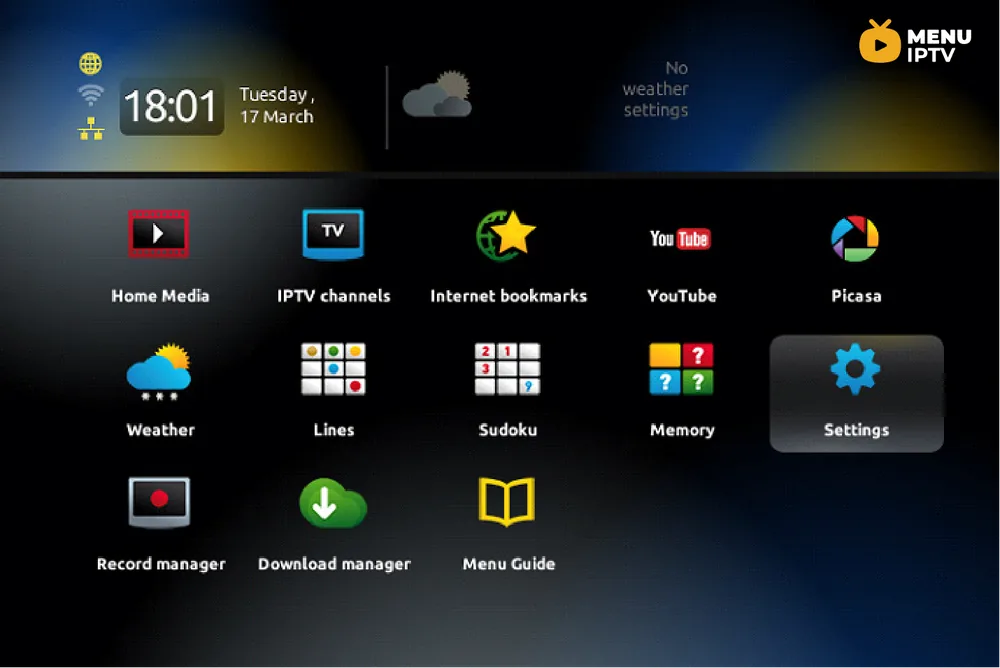
Press the “SET” button on the remote control again.
Go down to Servers and press “OK“.
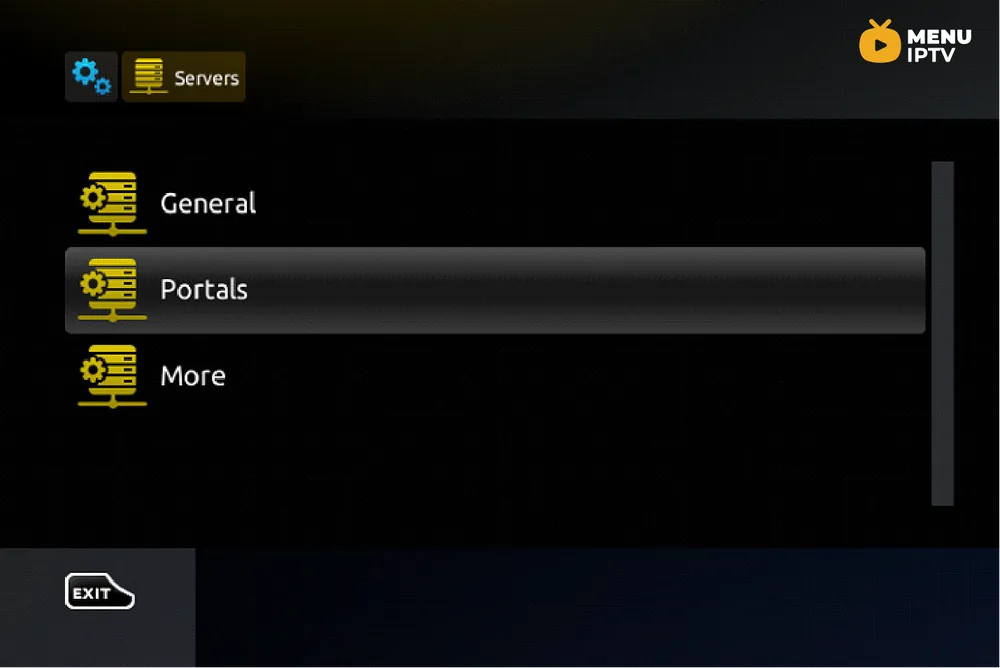
Go to the Portal 1 URL and delete ALL the text (to delete use the back button on the remote).
Press the “KB” button on the top right on the remote. It is like a keyboard picture.
Enter the new portal address.
Press the “KB” button on the remote so the keyboard goes OFF the screen, go down the bottom of the screen and select “OK“.
Plug in the Cable that goes from the box to the modem, then go to reload portal or restart TV Box using the power supply.
Need an IPTV subscription for this device? Get the free 24h IPTV test from Menuiptv, then pick a plan from 38 € for 6 months.