How to use catch-up on a MAG box
In broadcasting live TV channels, the catch up is the recording of live TV programs to an IPTV provider’s server so that it can be accessed at a later time after the program is finished.
How to Use Catch-Up on MAG Box
In this tutorial, we are going to show you how to use the time shift or catch up feature with your MAG device.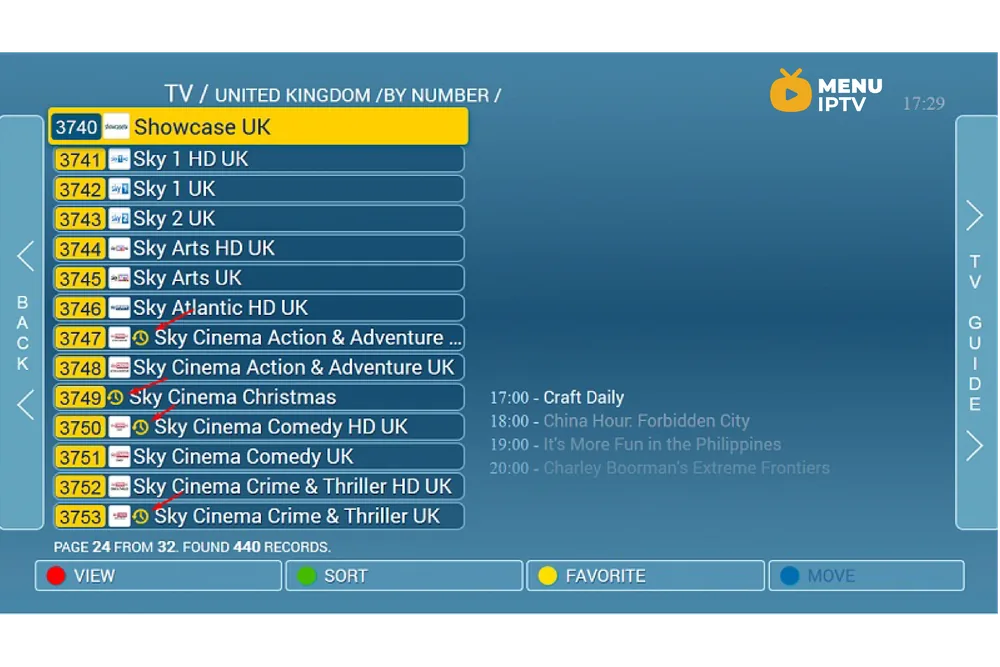
Step 1: Open the TV Guide
Step 1: In order to watch a previously recorded content by using the catch-up feature, click on the right arrow on your remote control to open the TV guide.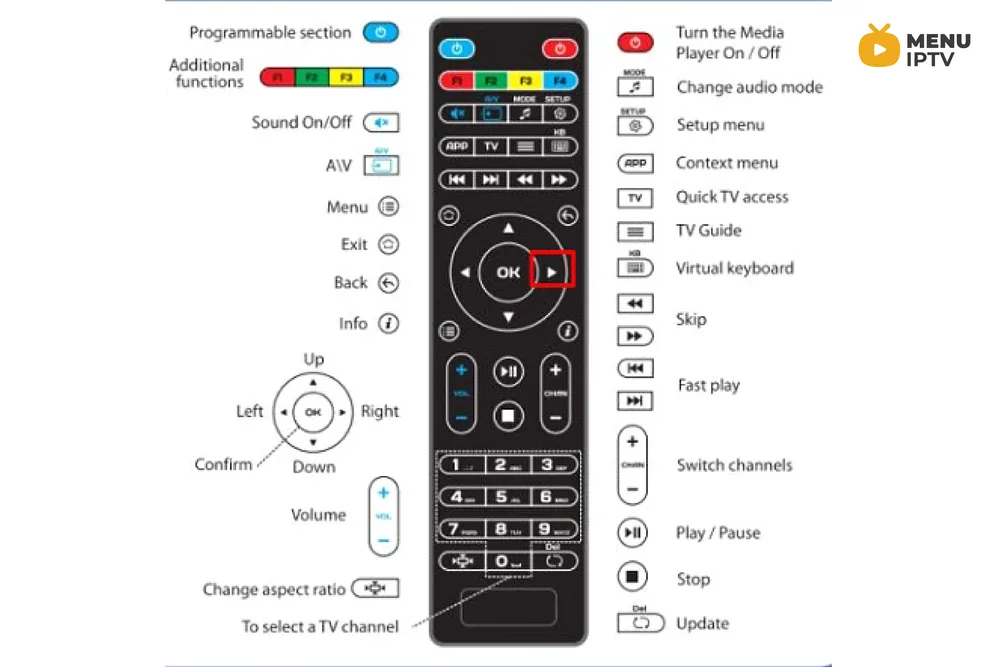
Step 2: Locate Catch-Up Content
Step 2: After opening the TV guide you will see the available content for the catch-up feature with a yellow dot on it as depicted in the below picture.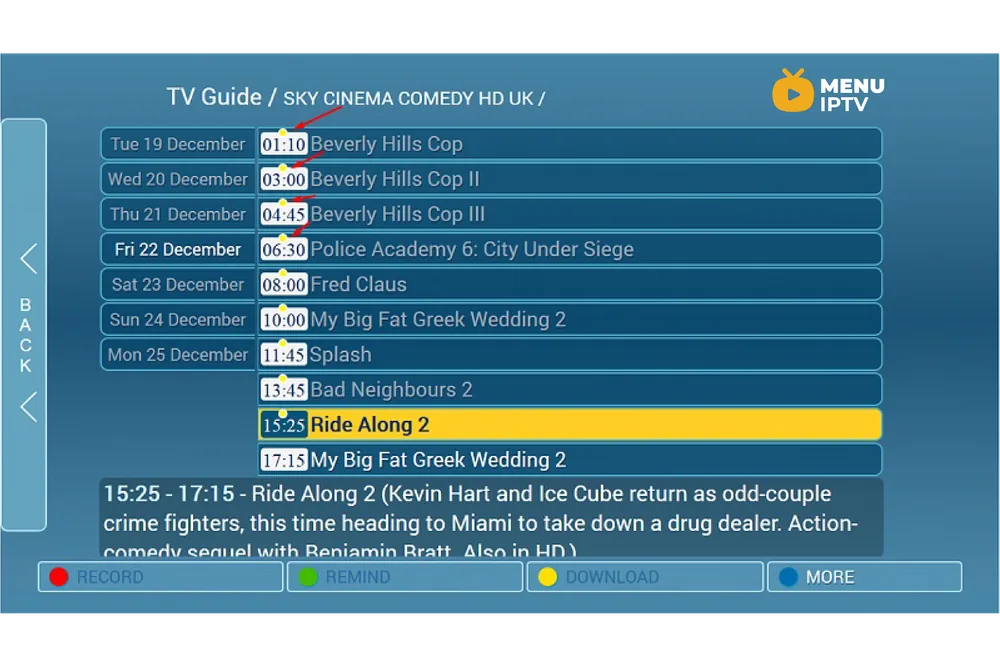
Step 3: Select and Watch
Step 3: Select the desired content and press OK on your remote control.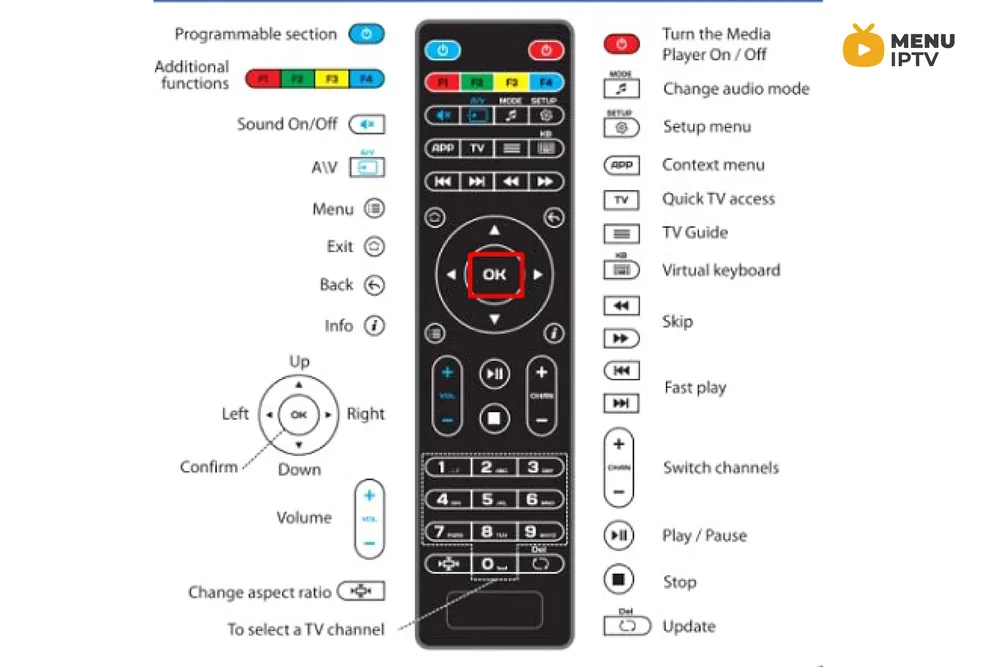
Need an IPTV subscription for this device? Start with the free 24h IPTV trial, compare the IPTV subscription plans from 38 € for 6 months, or open the installation guides for your device.